


Sobre Spotify: Music and Podcasts
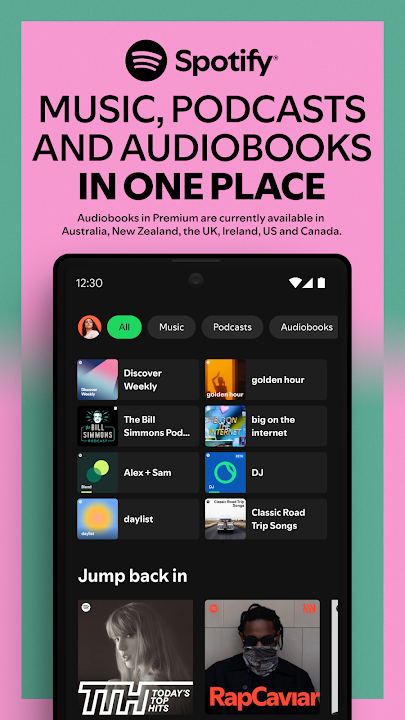
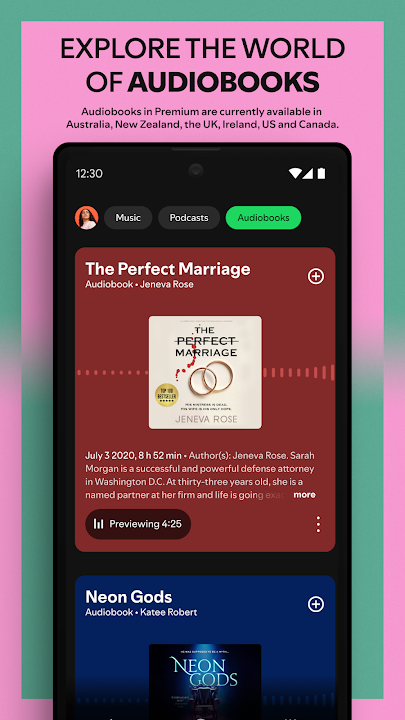
With the Spotify music and podcast app, you can play millions of songs, albums and original podcasts for free. We have even added audiobooks, so you can enjoy thousands of stories wherever you are!
Stream music and podcasts, listen to audiobooks, discover albums, playlists or even single songs for free on your mobile or tablet. Subscribe to Spotify Premium to download and listen offline wherever you are.
Spotify gives you access to a world of free music, curated playlists, artists, and podcasts you love. Discover podcasts, new music, top songs or listen to your favorite artists and albums.
WHY SPOTIFY FOR MUSIC AND PODCASTS?
• Listen to over 80 million songs and 4 million podcasts (and counting)
• Enjoy over 300,000 newly added audiobook titles
• Discover new music, albums, playlists and original podcasts.
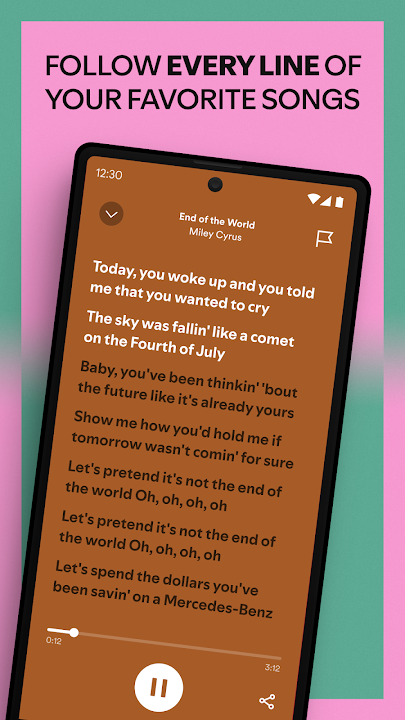
• Search for your favorite song or artist by typing a lyric
• Enjoy amazing sound quality on music and podcasts across all devices.
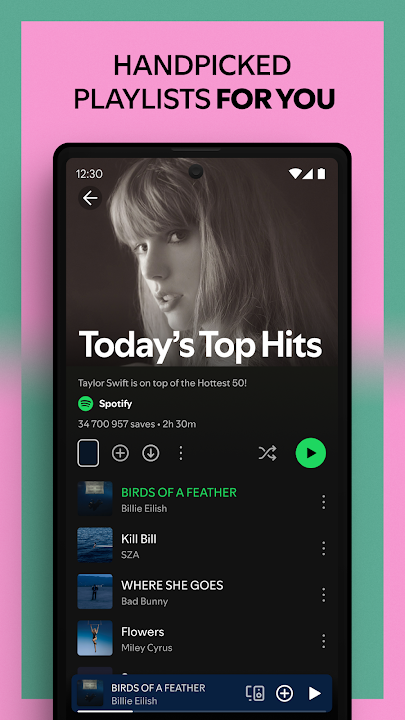
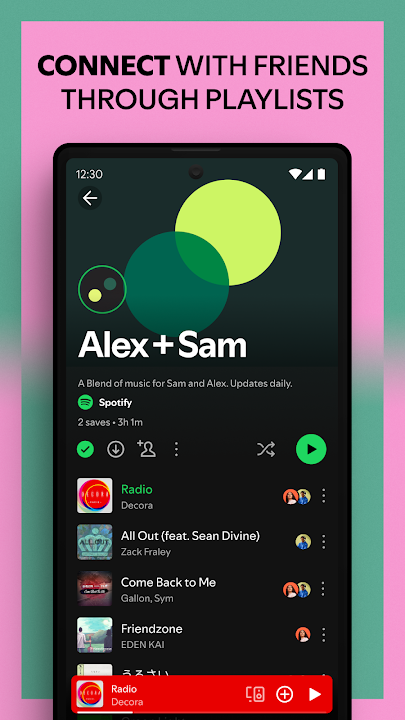
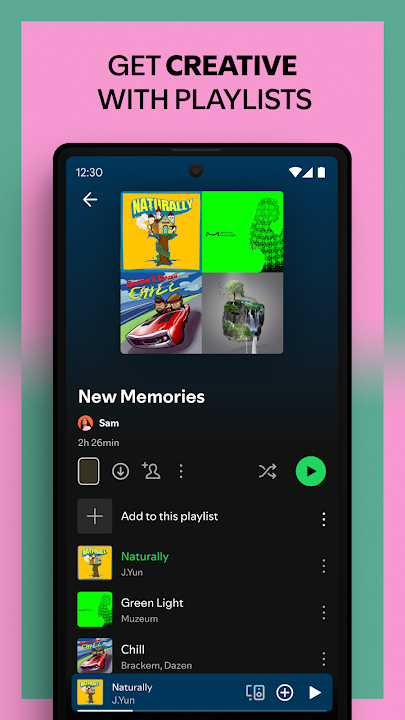
• Create and share your own music playlists to suit your mood or discover other playlists you might like.
• Listen to daily music mixes made just for you.
• Explore top songs from different genres, countries or decades.
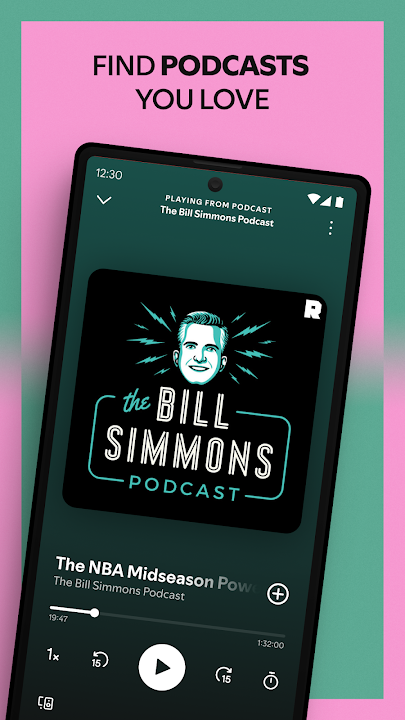
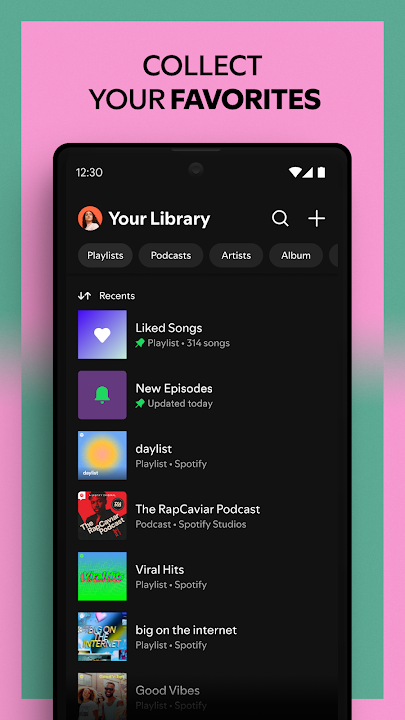
• Subscribe to your favourite podcasts so that you never miss an episode, then curate your very own podcast library.
• Bookmark individual podcasts into Playlists
• Listen to music and podcasts on your mobile, tablet, desktop, PlayStation, Chromecast, TV, Wear OS or wearable device.
Listen and discover the latest music from artists like;
• Bad Bunny
• Billie Eilish
• Renzo Pianciola
• The Temper Trap
• Harry Styles
Listen to your favorite music artists all day every day via the Popular Radio playlist feature. Here are just some of the artists we’ve already curated;
• Taylor Swift
• Drake
• Eminem
• Coldplay
• Paolo Nutini
• Fleetwood Mac
Listen to over 40 category genres – New Releases, Charts, Live Events, Made for You, At Home, Only You, Summer, Pop, Workout, Hip-Hop, Mood, Party, Pride, Dance/Electronic, Alternative, Indie, Equal, Wellness, Rock, Frequency, R&B, Disney,, Throwback, Radar, Chill, Sleep, In the car, Kids & Family, Caribbean, Classical, Romance, Jazz, Instrumental, Afro, Christian and Gospel and Country.
Listen to popular and exclusive podcasts like;
• The Joe Rogan Experience
• Modern Wisdom
• 2 Bears, 1 Cave with Tom Segura and Bert Kreischer
• Call Her Daddy and Crime Junkie
Search, discover and play music, podcasts and audiobooks from all over the world for free, anywhere, anytime or create your own music playlists with the latest songs to suit your mood.
WHY GO PREMIUM?
• Listen to albums and playlists without ad breaks.
• Download and listen to music and podcasts offline, wherever you are.
• Jump back in and listen to your top songs with on-demand playback.
• Choose from 4 subscription options – Individual, Duo, Family, Student. There’s no commitment and you can cancel any time
Audiobooks in Premium currently available in Australia, the UK & the US. Discover 250,000+ titles, 15 hours/month of available listening for Premium Individual subscribers and Duo & Family plan managers.
Experience Spotify on your Wear OS device:
• Enjoy your favourite music and podcasts without having your phone around.
• Control playback on your phone or any of your Spotify compatible devices.
• Download your favourite content for offline listening on the go (Premium only).
• Get instant access to Spotify with our Tiles and Complications.
Please note: This app features Nielsen’s audience measurement software which will allow you to contribute to market research, such as Nielsen’s Audio Measurement. If you don’t want to participate, you can opt-out within the app settings. To learn more about our digital audience measurement products and your choices in regard to them, please visit https://www.nielsen.com/digitalprivacy for more information.
Comentários