


Firefox Fast & Private Browser के बारे में
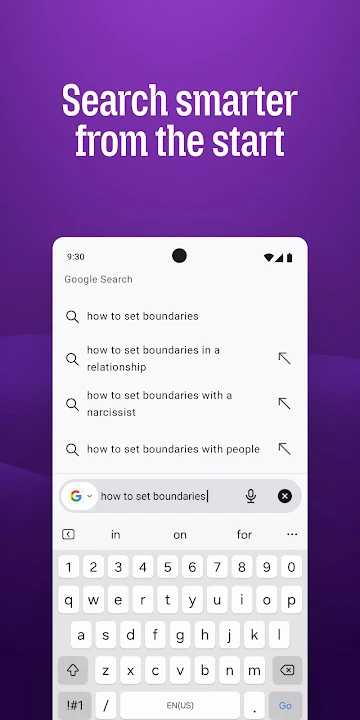
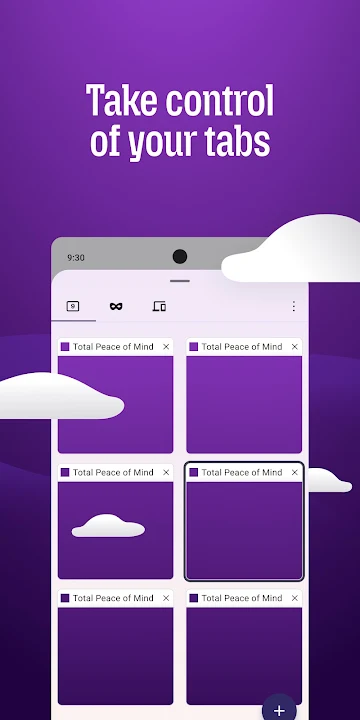
Firefox brings quick, smooth web surfing to Android while keeping your personal information under lock and key. The browser loads pages fast and lets you jump between tabs without lag, making everyday browsing feel effortless.
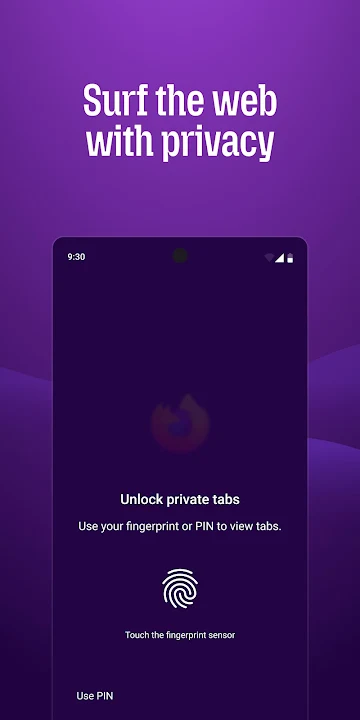
Privacy is baked in from the start. The app automatically stops many common trackers, isolates cookies to the sites that set them, and offers a private window that erases history, searches and cookies as soon as you close it. This makes it harder for advertisers and data collectors to build a profile of your online habits.
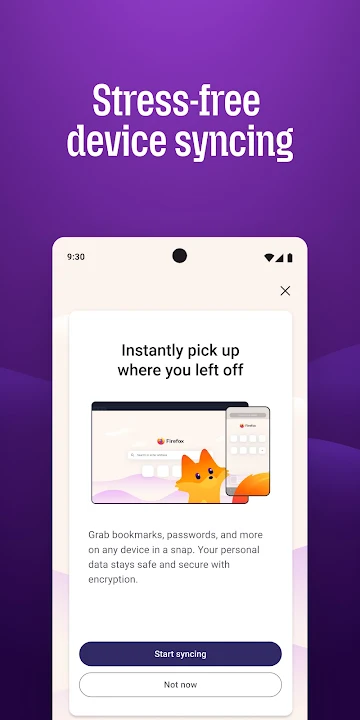
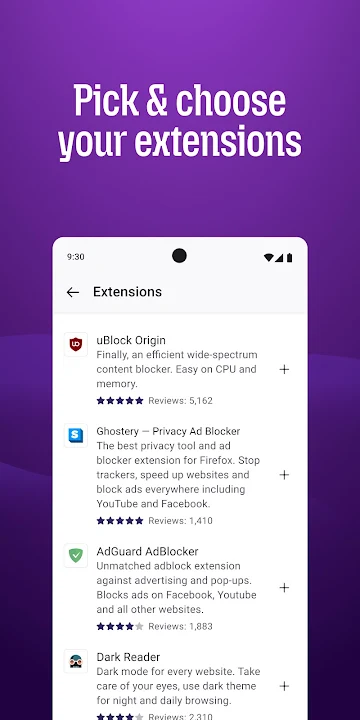
Beyond security, Firefox packs handy tools for a better reading and shopping experience. A built‑in password vault creates strong passwords and fills them in when needed, a reader view strips away clutter from articles, and picture‑in‑picture keeps videos playing while you browse other content. Extensions let you add ad blockers or other utilities, and syncing via a Mozilla account lets your bookmarks, tabs and saved passwords follow you across phones, tablets and computers.
People choose Firefox because it combines speed, strong privacy defaults and a flexible set of features without demanding constant configuration. It’s a solid choice for anyone who wants a fast browser that respects their data and adapts to their personal browsing style.
ऐप जानकारी
अक्सर पूछे जाने वाले प्रश्न
Is Firefox Fast & Private Browser free to download and use?
Yes, the app is completely free – you can download it from any reputable source and use all core browsing features without any cost. Some optional add‑ons or services may have their own fees, but the browser itself is free.
Is it safe to install the APK from a third‑party site?
If you download the APK from a trusted, reputable site that provides the original, unmodified package (matching the official SHA‑256 hash from Mozilla), it is safe. Always verify the file’s signature and avoid sites that host tampered versions.
What Android version is required to run Firefox Fast & Private Browser?
The browser requires Android 7.0 (Nougat) or higher. Devices running older Android versions will not be compatible.
How do I install the APK on my Android device?
1. Enable "Install unknown apps" for your browser or file manager in Settings → Security. 2. Download the APK file. 3. Open the file and tap "Install". 4. Once installed, open the app and follow the setup prompts.
How are updates handled for the APK version?
When you install via an APK, you’ll need to manually download and install newer versions from the same trusted source. The app will notify you of available updates, and you can replace the old APK with the new one to keep features and security patches up‑to‑date.




टिप्पणियाँ